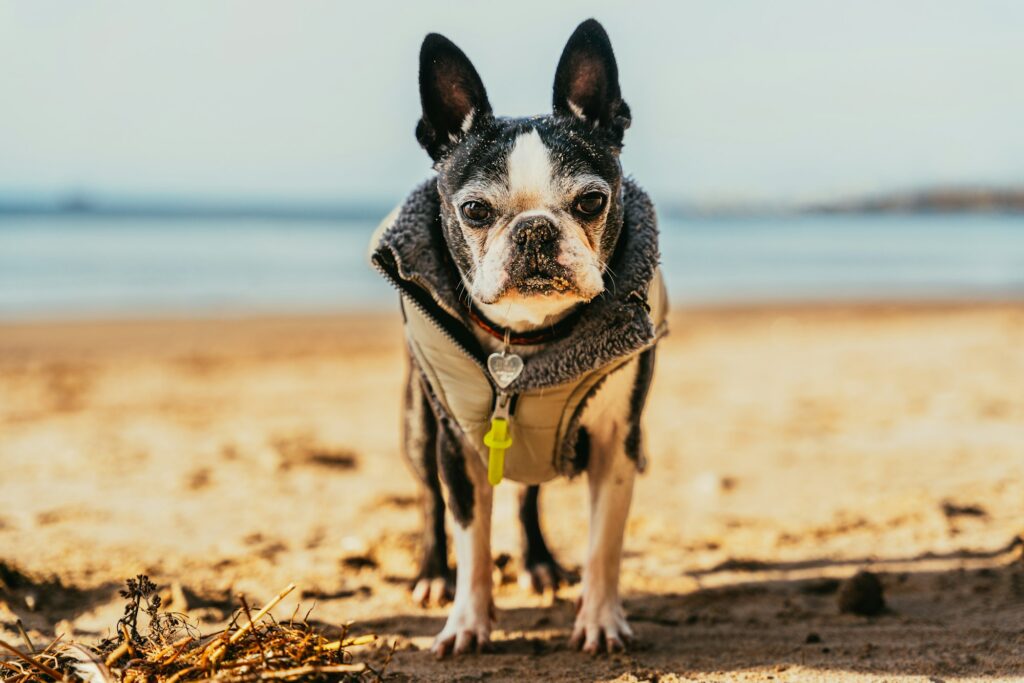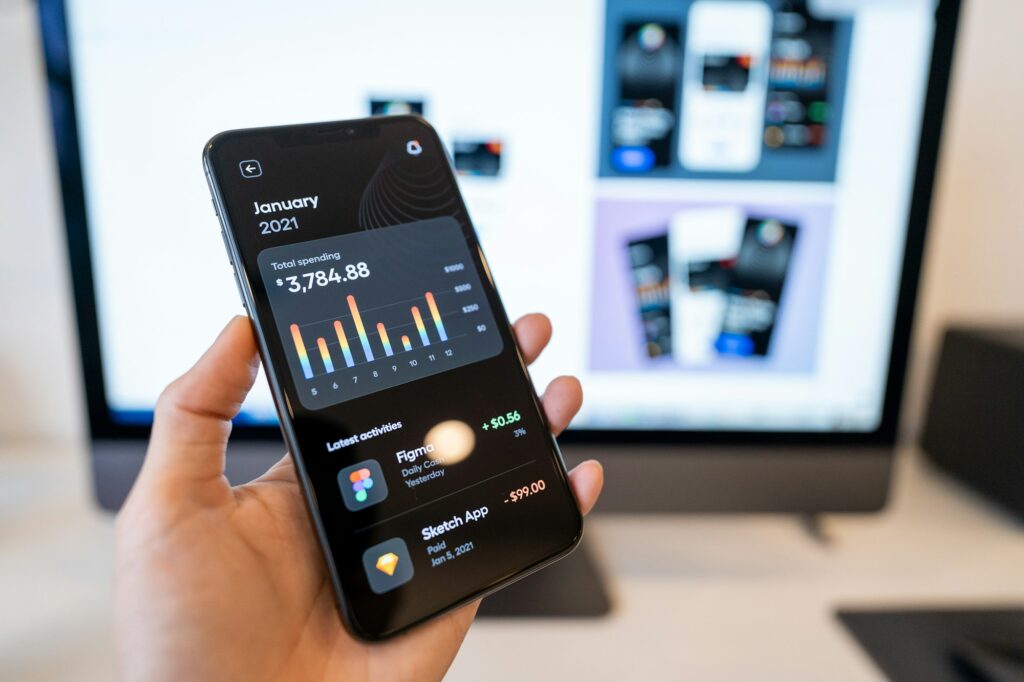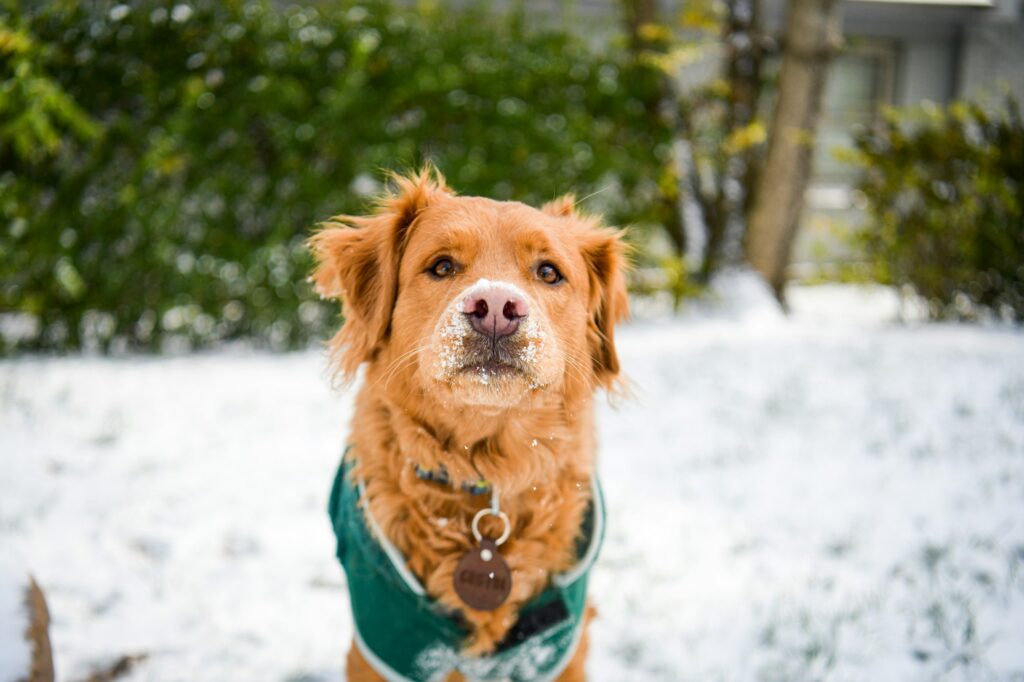


A QR code ID tag lets anyone who finds your dog scan the tag with a phone camera and see the information you have chosen to share. That can make it easier for a finder to reach you quickly. But a QR tag only works if the profile behind it is complete, current and easy to use. Before spring walks, hikes and trips get going, run through this checklist.
Activate and register
- Follow the tag’s instructions to activate it and link it to your dog’s profile. Many tags are activated by scanning the code yourself and creating an account.
- Use an email address and phone number you check often.
- Save your login details somewhere safe so you can update the profile quickly in an emergency.
Fill in the profile
Think about what a stranger standing on a sidewalk with your dog would need to know. Depending on the service, you may be able to include:
- Your dog’s name and a clear, recent photo, so the finder can confirm they have the right profile.
- Your primary phone number, plus a second contact, such as a partner, family member or trusted neighbor.
- Your general location, such as a neighborhood or town, if you are comfortable sharing it.
- Important health notes, such as allergies, medications or conditions a finder should know about, like “needs daily medication” or “do not feed treats.”
- Your veterinarian’s name and phone number.
- A short note on temperament, such as “friendly but shy” or “nervous around men,” so a finder can approach safely.
- Microchip status, so a finder knows a shelter or vet can scan for more information.
Think about privacy
A QR profile can be seen by anyone who scans the tag. Share what helps your dog get home, and consider leaving out details such as your full street address. Many owners list a phone number and a neighborhood rather than an exact address. Review the privacy settings the service offers and choose what you are comfortable with.
Test it
Once your profile is set up, scan the tag with a few different phones, including one that is not yours, to make sure the page opens easily and shows the right information. Check that phone numbers are correct and that tapping them starts a call on a mobile phone. Ask a friend to scan it too and tell you what they see.
Keep it current
- Update the profile right away if you move, change phone numbers or change veterinarians.
- Refresh the photo after a big haircut or as a puppy grows up.
- Update health notes when medications change.
- Add temporary travel contact details before trips.
- Check that the tag is still securely attached and that the code is not scratched or worn.
A QR tag works best as part of a layered approach. Many owners also keep a phone number engraved or printed on the tag itself, in case someone cannot scan the code, and make sure their dog is microchipped with current registration. PUPWEAR makes QR tags for dogs, and the same advice applies to any ID: it helps most when the information is complete and up to date.